 Griffin OpusGriffin Opus
Home / The System
Griffin Opus replaces long explanations everywhere else. This is what we mean by “a system”, and why it changes how your work holds together.
What we mean by “a system”
Not a notebook. Not a planner. A flexible framework you shape around the way you actually think and work.
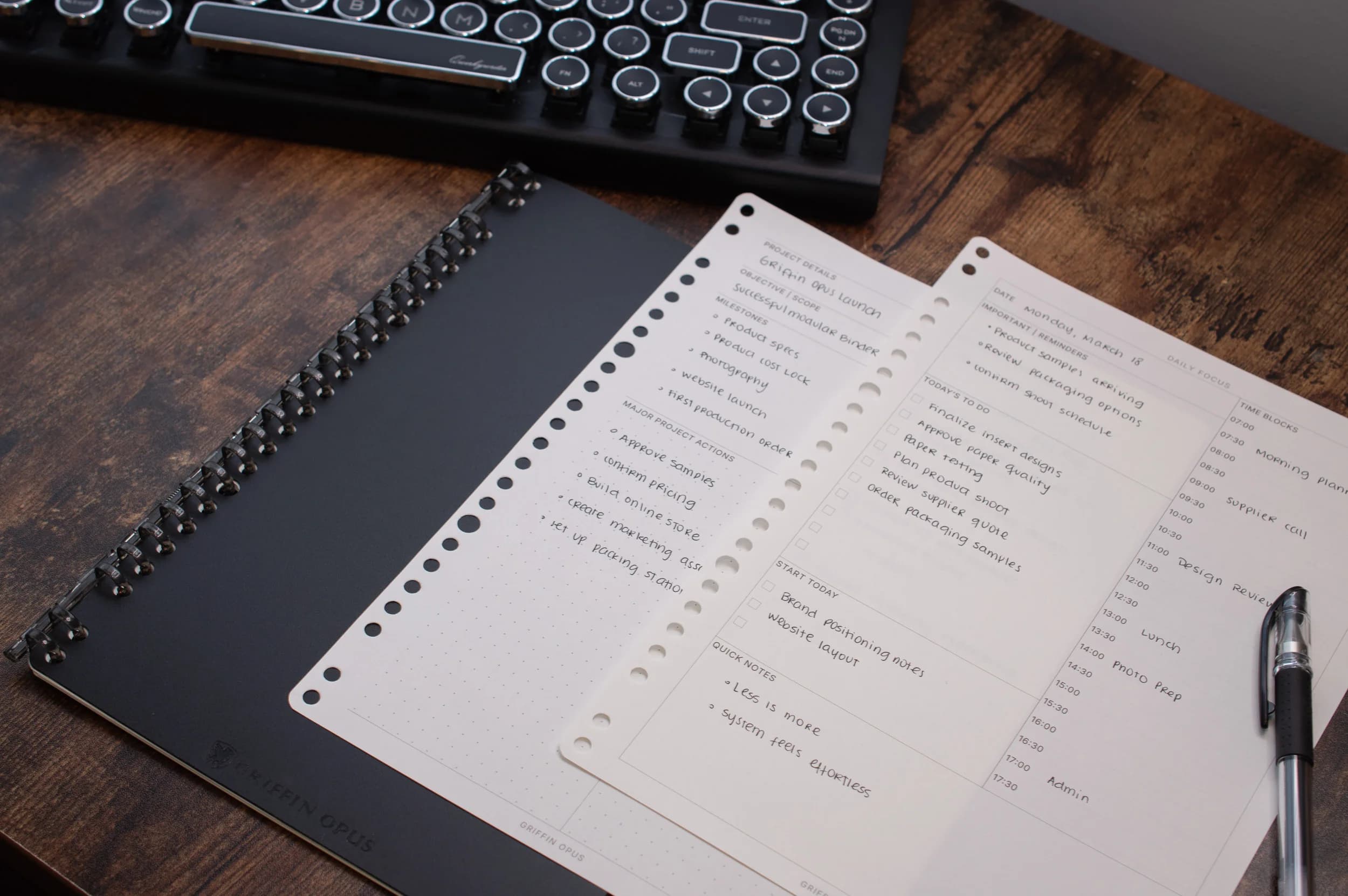
A single, durable B5 binder with the Opus Snap Ring. It lays flat, holds up to ~40 sheets, and stays light enough to carry anywhere.
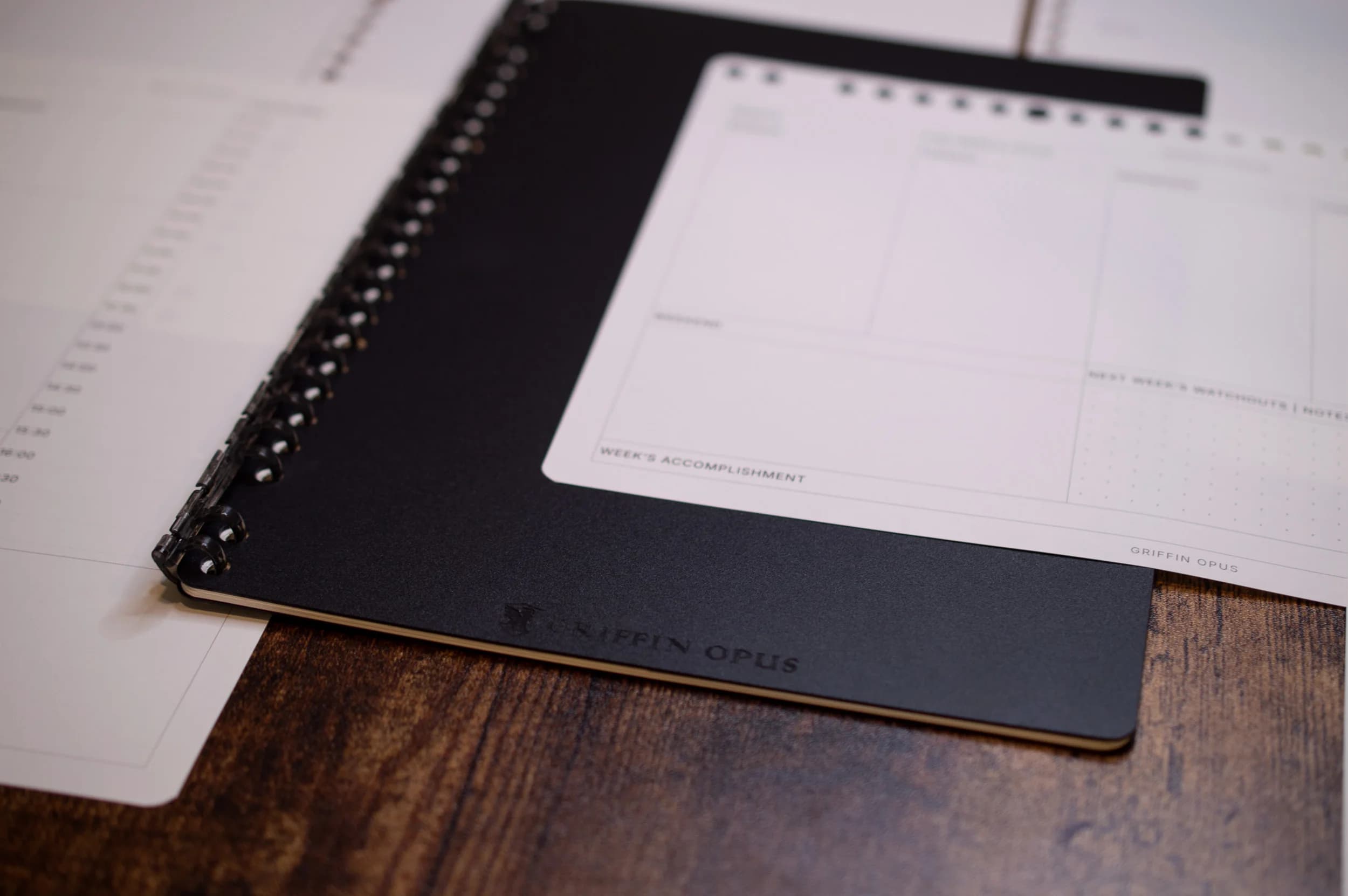
Categories of inserts: not endless SKUs. Daily Focus, Weekly Focus, Smart Meeting, One-on-One, Project Focus, Dot Grid and the half-page To-Do Focus. Each earns its place.
When you want something bound, the Softcover, Spiral and Flexbound notebooks share the same premium paper and restrained design language.
The Opus Snap Ring
The Opus Snap Ring is a deliberate two-hand mechanism: secure enough that pages never slip out on their own, quick enough to rearrange your whole system in seconds.
Open the binder flat on a surface with the ring facing up.
Grip the top of the ring with one hand and the bottom with the other.
Gently draw the two halves in opposite directions until the ring releases with a soft snap.
Add or rearrange your pages, then press the halves back together until they click shut.
Page philosophy
The problem with most planners is filler: pages you never use and layouts that fight the way you think. Griffin Opus pages are built on a single rule:
Example workflows
There’s no single “right” setup. A few of the ways people run the system:
What this replaces
Consolidate scattered notebooks into one continuous system you actually keep.
Trade notification noise and app-switching for a single, focused surface.
No more abandoned planners in February. Swap pages instead of starting over.
Begin
Start with the binder, choose your pages, and shape a workflow that grows with you.